
- Logon to the webstore by following this link or inputting in the address bar of your browser: http://shopict.iita.org
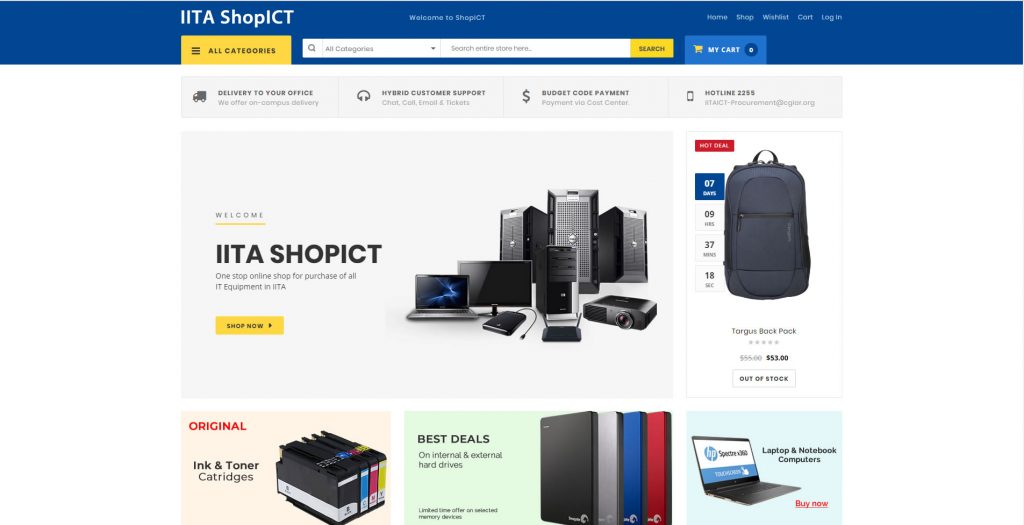
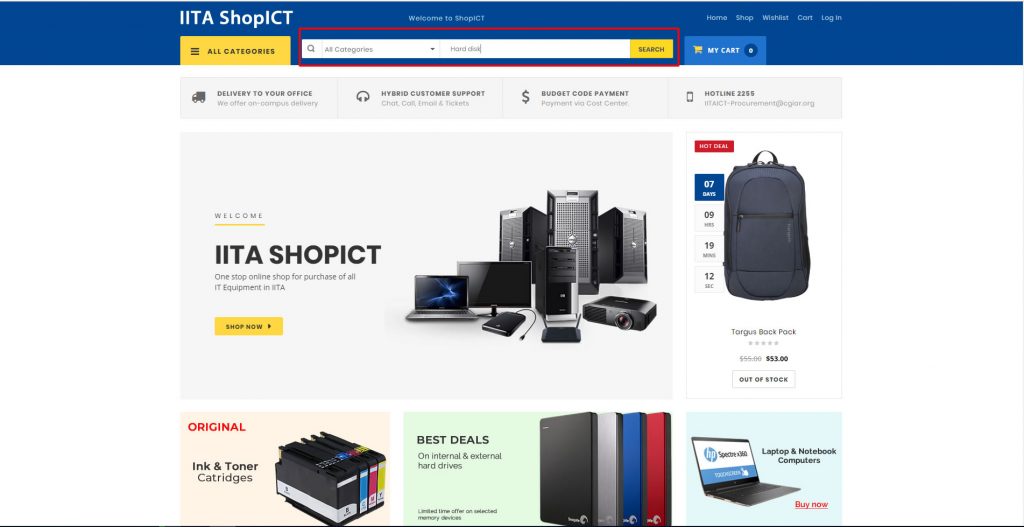
ShopICT landing Page
2. Look for your desired product on ShopICT using the “ALL CATEGORIES” menu. This will help narrow down your search based on the product category you need. For example, if you intend to buy a 2TB external Hard disk drive, this product definitely fall under the “hard disk category”. Click “ALL CATEGORIES”
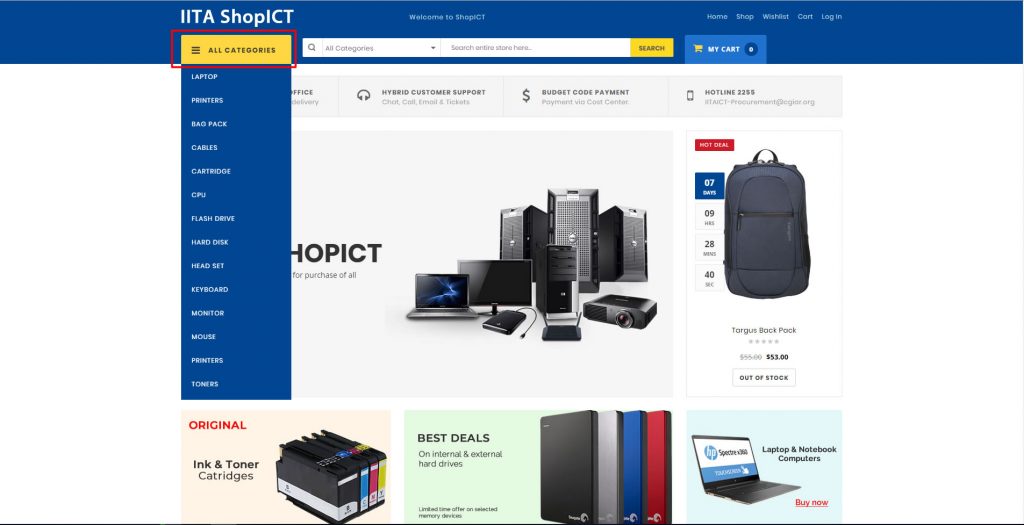
Click the “All Category Menu”
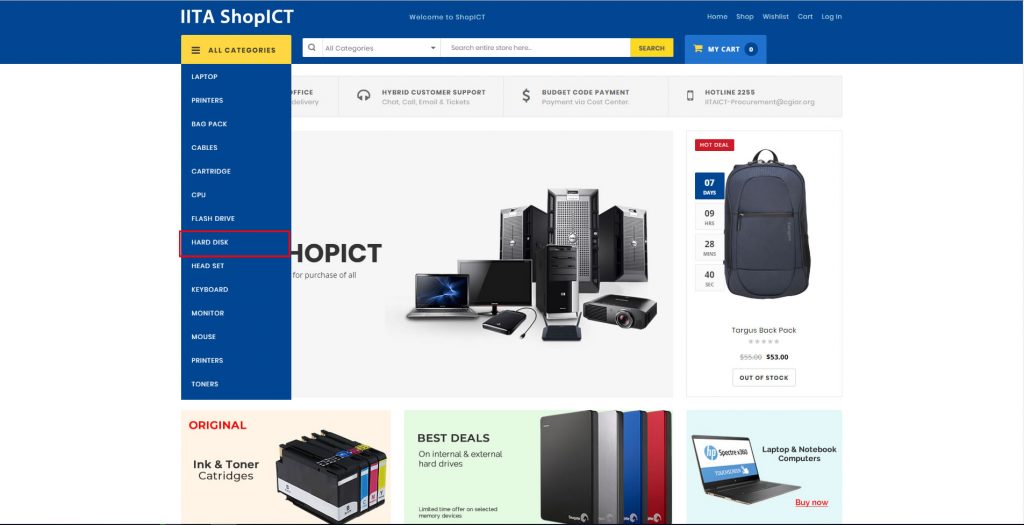
Click the required category from the Menu
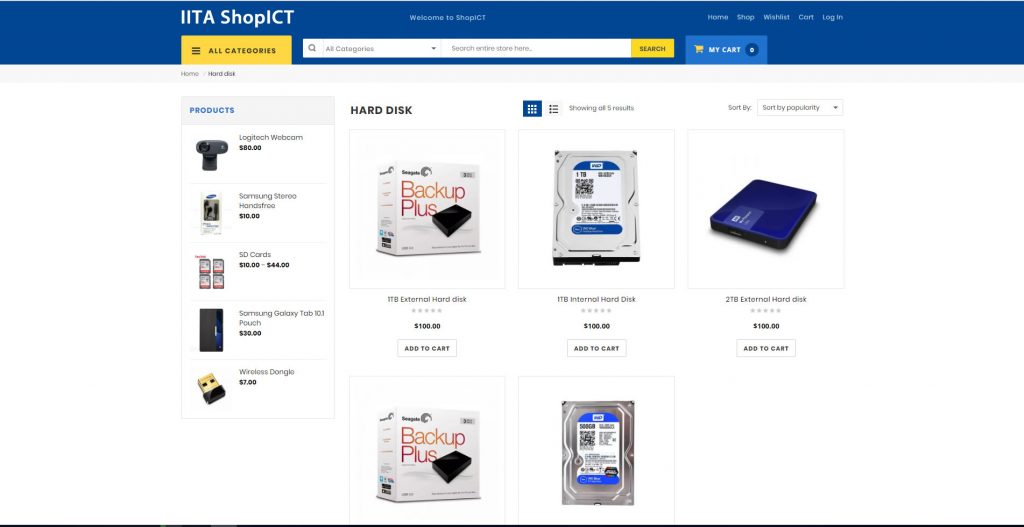
Hard Disk Category Page
3. You can also find products by using the search box at the header. Type the product you desire, and all likely results will be displayed.
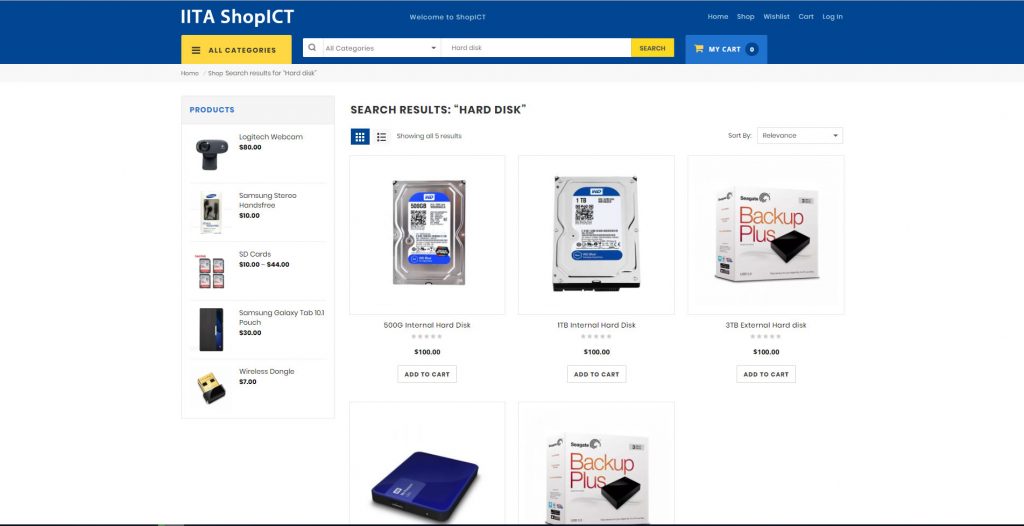
Search Result Page